
AION 2 controller support and the Steam Deck
You can play AION 2 with a controller, but NC has not promised full controller support for the global launch, and the Steam page lists none. The Steam Deck is in the same limbo: Valve has not tested the game yet.
“While AION 2 is playable with a controller, we are still evaluating if full controller support is within our scope for launch.”
What Steam and Valve show
| Check | What it shows |
|---|---|
| Controller support on the Steam page | None listed |
| Steam Deck compatibility | Not tested yet: Valve's report has no result |
| SteamOS compatibility | Not tested yet |
| Operating systems | Windows only |
An empty controller field is not the same as no support: it means NC has not declared any on the store page, which fits its not-yet-decided answer above.
The Korean version’s button layout
In Korea, NC publishes an official controller guide marked BETA. It warns that some functions may not work yet and says support will widen with later updates. Below is part of its layout, using the Xbox button names the guide uses. This is the Korean version: the global build may map buttons differently, or ship with less.
| Button | In the Korean version |
|---|---|
| X | Skill slot 1 (basic attack) |
| Y | Skill slot 2 (heavy attack) |
| B | Dodge / sprint |
| A | Jump, or click while the mouse pointer is on |
| LT + X, Y, B, A | Skill slots 3 to 6 |
| RB + X, Y | Skill slots 7 and 8 |
| RT + face buttons | Stigma skill slots 1 to 4 |
| RB + A | Start or stop flying |
| RB + B | Mount or dismount |
| D-pad left | Auto-potion on / off |
| D-pad down | Turn on the mouse pointer |
| Right stick click | Change target |
| View button | Open the map |
Two things stand out. Most skills sit behind a held trigger or bumper, and menus rely on switching on a mouse pointer with the D-pad, so the pad drives a cursor rather than replacing it.
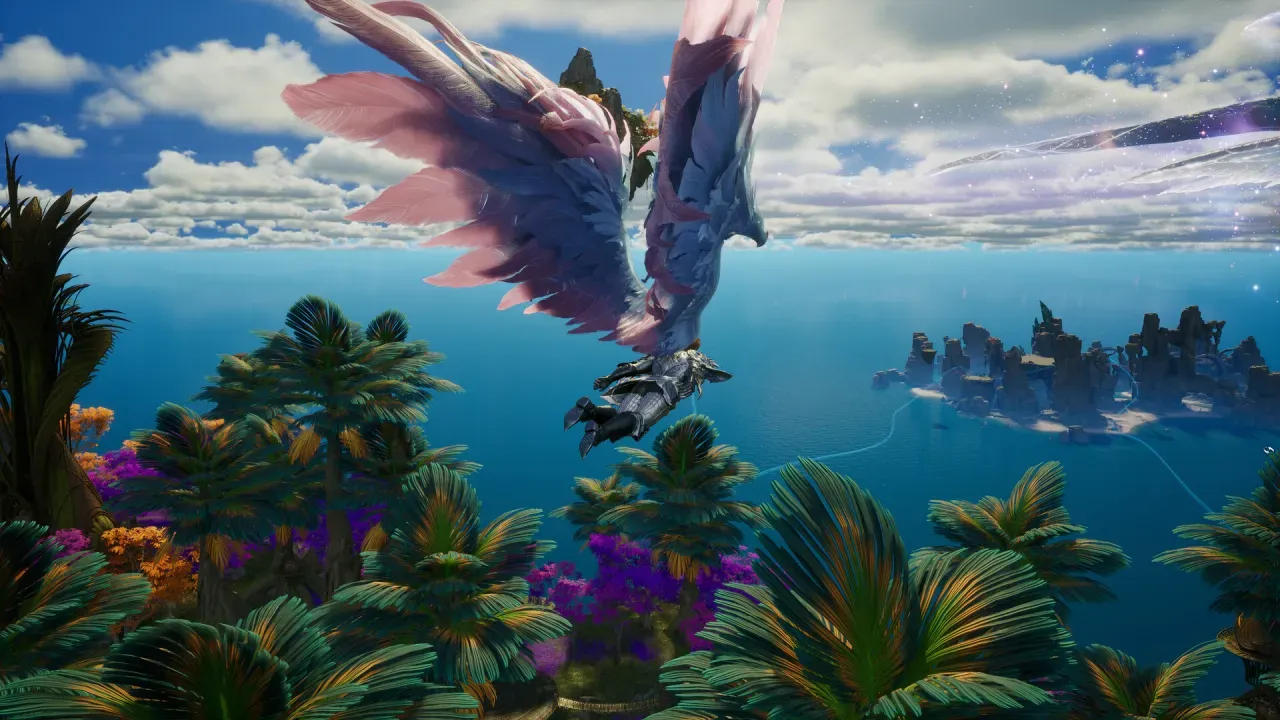
What a test player found
During the Launch Scale Test, one player who tried a pad on the global build reported:
“Flying with controller is a lot smoother and actually quite fun, but using the skills became more difficult and I still needed my mouse on hand to move the cursor.”
(From r/Aion2 thread: first impressions from the Launch Scale Test)
That lines up with the Korean layout, where the cursor is a mode you toggle. Plan on keeping a mouse within reach, at least for menus.
Steam Deck
Valve’s compatibility report for AION 2 has no result for the Deck or for SteamOS, which is what an untested game looks like, not a failed one. NC has said nothing about the Deck or Linux, and Steam lists the game for Windows only. Whether it runs through Proton is not known. The Deck would also need room for the 100 GB install; the rest of the PC side is on system requirements.
If you were hoping a controller meant a console release, that is a separate question with its own answer on AION 2 on console. For everything else about where the game runs, see the platforms page or the launcher comparison on Steam or PURPLE.